Email: info@geelongwebdesign.com.au
Phone: 03 4232 3655
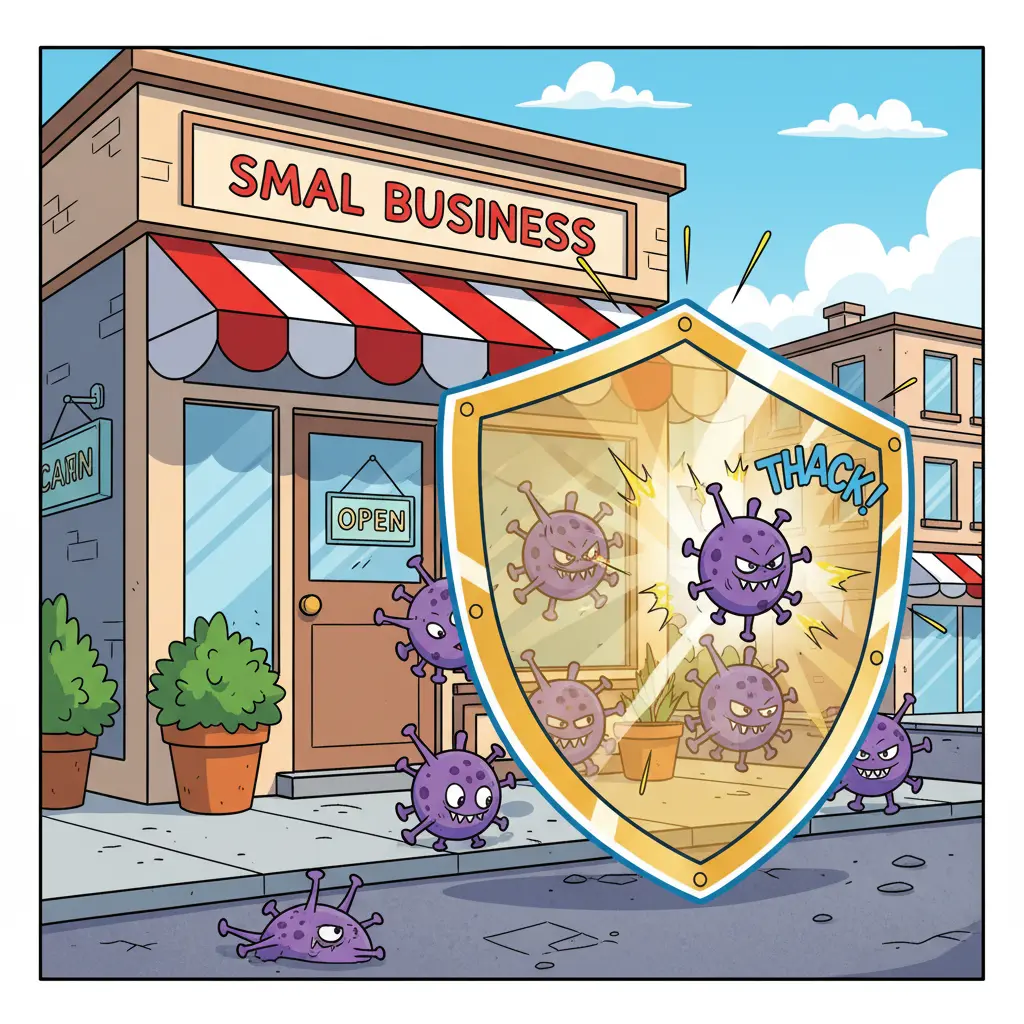
If your WordPress site keeps getting reinfected and admin passwords keep changing, it's a clear signal that the problem is deeper than a single file. Small business owners in Geelong need a repeatable, trustworthy solution that removes hidden backdoors, restores control, and keeps customers safe.
We see the same pattern across multiple cases: malicious PHP files reappear, attackers reset credentials, and site owners feel trapped in a cycle of cleanup and reinfection. This article explains why this happens, how to break the cycle, and what local businesses in Geelong can gain by investing in professional remediation and ongoing protection.
WordPress is widely used because it's flexible and easy to manage, but that popularity also makes it a frequent target. Reinfections usually come from one or more of these root causes:
Understanding these technical reasons helps make the solution clear: review and repair every attack surface - not just the visible symptoms.
A professional cleanup that prevents reinfection follows several steps: full site scan and malware removal, file integrity checks, removal of unknown PHP files, reset and hardening of all credentials, update or replace vulnerable plugins and themes, and migration to secure hosting if needed. Add a monitoring and maintenance plan to catch future issues early.
For Geelong businesses, that process delivers measurable benefits: reduced downtime, fewer customer complaints, avoidance of search-engine blacklisting, and recovery of local reputation. Investing in remediation and maintenance is an investment in revenue continuity - a practical business decision, not just an IT task.
If you suspect reinfection, take these immediate actions to limit damage:
These steps reduce immediate risk, but persistent reinfection usually requires a deeper, structured response. That's where a local digital agency or web security specialist becomes invaluable.
Geelong has many small and medium businesses that rely on their websites for customer enquiries, bookings and online sales. A compromised site not only halts revenue - it damages trust with the local community. Local support matters for several reasons: faster response times, onsite consultation if needed, and a better understanding of local compliance and marketing priorities.
Working with a Geelong-based digital agency means you get hands-on assistance that aligns with how your customers search, contact and buy. For example, a clean, secure site helps maintain SEO performance and local listings. If you want to review examples of recent work and secure designs, see our Web Design Portfolio, and for a menu of protective services visit Web Design Services.
We also recommend local businesses keep an open line to support. If your site is actively reinfecting, get immediate help via our WordPress Help & Support page or Contact Us for urgent assistance. When appropriate, we coordinate with hosting providers to tighten server-level controls and migrate sites to secure environments designed for small businesses.
Addressing persistent malware isn't just about removing a threat - it's an opportunity to improve your online presence and convert security spend into business value:
For many Geelong business owners, security improvements lead directly to stronger marketing performance. A fast, reliable and secure site supports email campaigns, online ads and local SEO - turning a security project into a growth enabler.
We never recommend panic fixes. A practical, documented approach with clear milestones and local support will fix the problem and reduce the chance of recurrence.
If you want to see how a thorough security overhaul looks in practice, we can walk through a staged plan: immediate cleanup, credential and hosting hardening, plugin and theme replacement, daily or weekly monitoring, and a monthly maintenance report that keeps you informed without technical jargon.
Many Geelong clients start with a single-site audit and security review. That first step identifies the attack surface and gives a clear, budgeted plan for remediation and ongoing protection. If you prefer examples first, explore our portfolio to see how secure site builds can look across industries: Web Design Portfolio.
Ready to stop the cycle of reinfection? Contact our team for an urgent site review and tailored recovery plan. We provide hands-on support across Geelong and practical maintenance options that protect your customers and your business reputation. For immediate help, visit our WordPress Help & Support page or get in touch now.
If you're not ready to commit to a full cleanup, start with a no-obligation website audit to identify weak points and costed remediation options. A short audit often reveals the simple changes that stop most reinfections and show where to focus your budget for the biggest impact.
Protecting your website protects your business. Act now to secure your online presence, keep customer trust intact, and convert security improvements into sustained local growth.
For local guidance, assistance and fast response in Geelong, reach out today and let our team help you reclaim control of your WordPress site.