Email: info@geelongwebdesign.com.au
Phone: 03 4232 3655
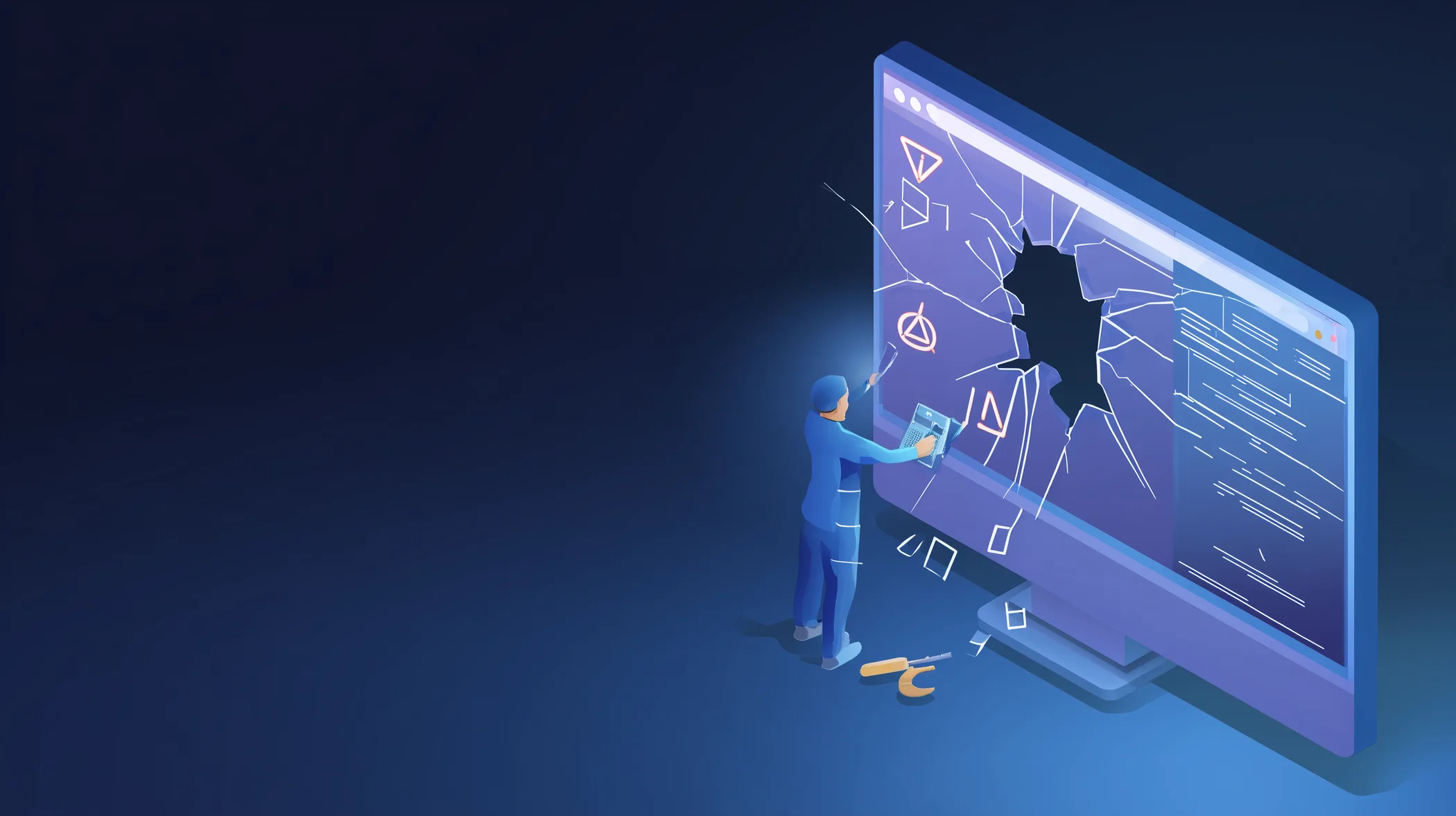
If you’re seeing a “There has been a critical error on this website” message after a WordPress update, you’re not alone. This error often appears suddenly, without warning, and usually right after clicking “update” on a plugin, theme, or WordPress itself.
While the message looks serious, it does not automatically mean your site is lost, corrupted, or hacked. In most cases, a WordPress critical error after an update is fixable if handled correctly.
This article explains what the WordPress critical error actually means, why updates trigger it, what not to do next, and how the issue is safely resolved.
The WordPress critical error message appears when WordPress encounters a fatal issue it cannot recover from. Instead of partially loading a broken page, WordPress stops entirely to prevent further damage.
This error usually replaces what used to be a white screen of death. WordPress now displays a clearer message to signal that something in the code failed during execution.
In practical terms, it means one part of your site told WordPress to do something it cannot do, and WordPress shut everything down as a safety measure.
Updates change how WordPress, plugins, or themes behave. If one part of your site expects the old behaviour while another part has already updated, conflicts occur.
Plugin updates are the most common cause. A plugin may rely on functions that were removed or changed during the update process.
Theme updates can also trigger critical errors, especially when custom code or page builders are involved.
Hosting environments play a role as well. PHP version changes, memory limits, or server configuration updates can expose compatibility problems immediately after a WordPress update.
The most frequent cause is a plugin conflict. One updated plugin clashes with another plugin or the active theme.
Theme incompatibility is another common issue, particularly on older or heavily customised themes.
PHP version mismatches can cause fatal errors when plugins or themes are not compatible with the current server configuration.
Incomplete or failed updates may also leave WordPress files in a broken state, triggering the critical error message.
No. While hacks do occur, the majority of WordPress critical errors are technical failures rather than security breaches.
If the error appeared immediately after an update, it is almost always a compatibility issue rather than malicious activity.
Signs of hacking include spam content, unexpected redirects, or new admin users. A critical error alone does not indicate a hack.
The biggest mistake people make is panic fixing. Installing random plugins, deleting files, or repeatedly refreshing updates can make recovery harder.
Switching themes or deleting plugins without knowing which one caused the issue can break additional dependencies.
If backups exist, restoring the wrong backup without identifying the cause may lead to the error returning again.
At this stage, restraint is more valuable than action.
Professional WordPress support begins by isolating the cause. Error logs are reviewed to identify exactly which file or function triggered the failure.
Plugins are tested safely, themes are checked for compatibility, and server settings are verified.
Once the root cause is identified, the fix is applied cleanly without unnecessary changes. The goal is not just to restore the site, but to prevent the error from recurring.
In most cases, the site can be stabilised quickly once the conflicting element is identified.
If your business site is down due to a WordPress critical error, time matters. Downtime affects enquiries, sales, and credibility.
At Geelong Web Design, we regularly resolve WordPress critical errors caused by updates, plugin conflicts, and hosting issues. Our approach focuses on fast diagnosis and long-term stability.
You can review our WordPress support services, see recovery examples in our portfolio, or reach out directly for urgent help.
If you’re seeing a WordPress critical error after an update and are unsure what caused it, the safest next step is professional assistance before attempting further fixes.
If your site needs urgent attention, you can contact us here and we’ll assess the issue quickly and honestly.
A critical error looks alarming, but with the right approach, it is usually the beginning of a fix – not the end of your website.
The WordPress critical error means the site encountered a fatal problem it could not recover from, usually caused by a plugin conflict, theme issue, or server compatibility problem.
Updates can introduce compatibility issues between plugins, themes, or PHP versions, which can trigger a fatal error immediately after the update completes.
Yes. In most cases the error can be resolved by identifying the conflicting plugin, theme, or server setting and restoring compatibility without rebuilding the site.
No. Most WordPress critical errors are technical issues caused by updates or configuration changes rather than security breaches.
If you are unsure of the cause, repeated attempts can make recovery more difficult. Professional help is often faster and reduces the risk of further damage.
Get in touch with our expert WordPress team, for fast, friendly and professional help.